Find your Samsung model code
For a Samsung firmware download, start with the full model code shown in Settings or on the product label, not only the Galaxy retail name. Confirm the CSC, carrier or region and bootloader binary before choosing an official update or support package.
For TVs, monitors and appliances, check the rear product label or the Support section in the device menu. Record the complete model code including suffixes when Samsung support requests them. The serial number identifies an individual unit, while the model code identifies the product variant.
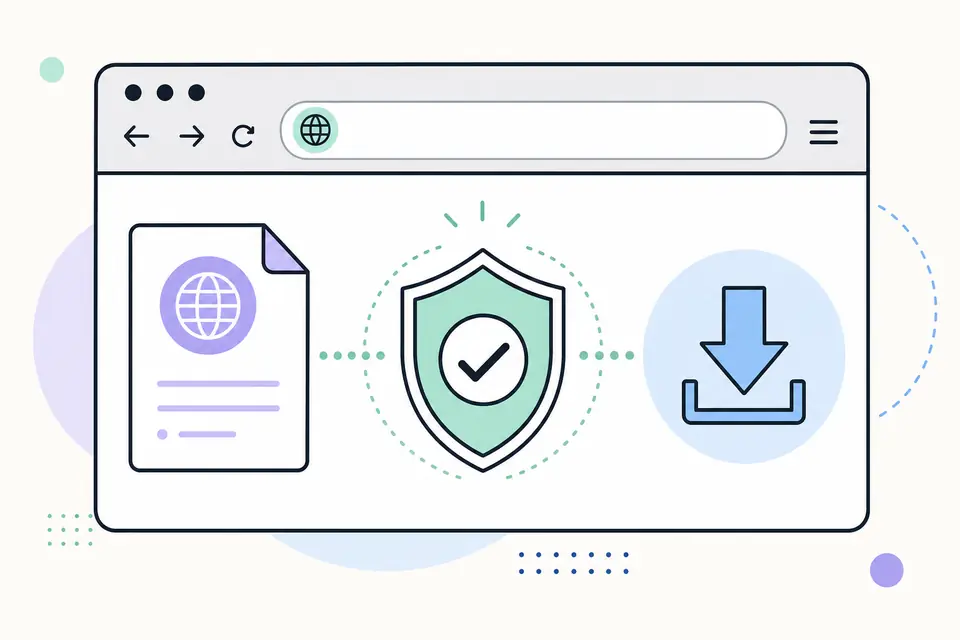
Choose OTA, Smart Switch or service firmware
Use the built-in Software update screen for normal Galaxy updates whenever possible. Samsung Smart Switch can provide supported PC or Mac update and recovery workflows for compatible devices. These methods reduce the chance of selecting the wrong manual package.
Manual service firmware is intended for advanced recovery and service workflows. It requires an exact model, compatible CSC or carrier package and a bootloader binary that is not lower than the installed device permits. This page does not provide bypass, unlock or carrier-circumvention tools.
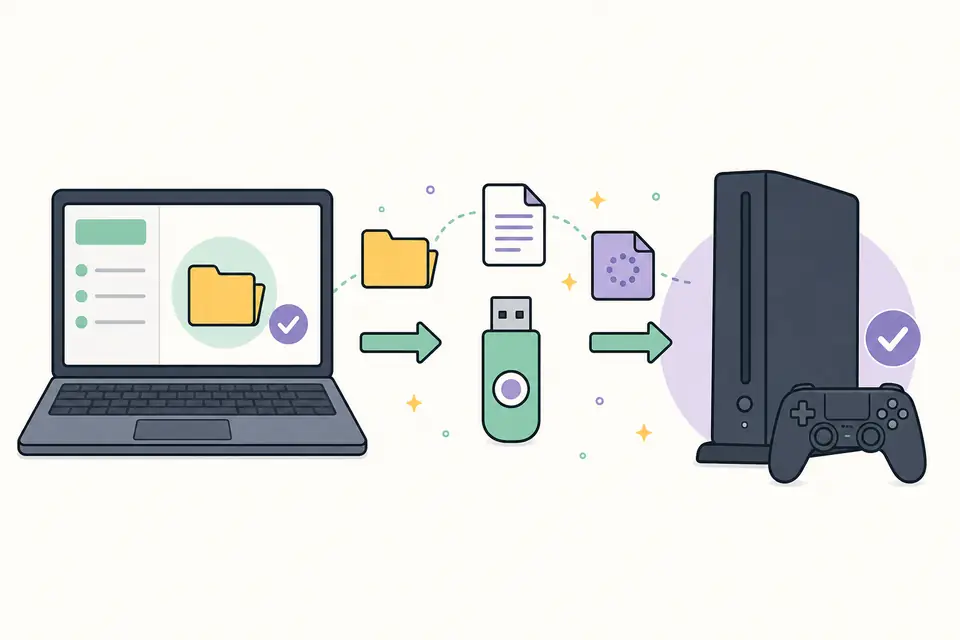
Samsung firmware compatibility checklist
- The full SM- model code matches character for character.
- The CSC or carrier matches the device and intended network configuration.
- The bootloader binary is compatible and does not attempt a blocked downgrade.
- The package is intended for the same product family and region.
- Important data is backed up before any recovery or service procedure.
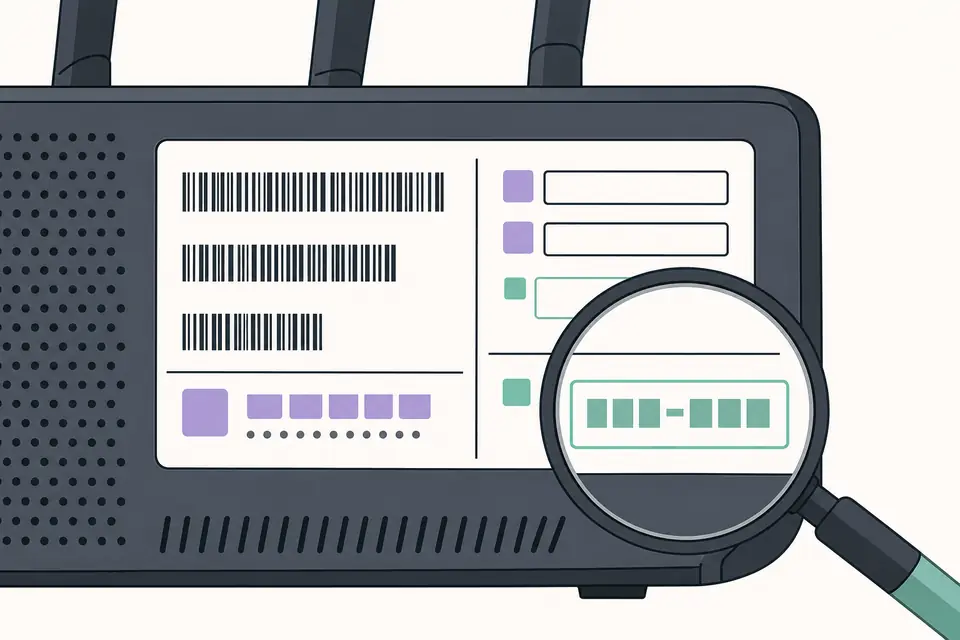
What an SW REV CHECK FAIL message means
Samsung devices commonly prevent a bootloader downgrade. An SW REV CHECK FAIL or binary-related message can mean the selected package contains an older bootloader revision than the device accepts. Repeating the same flash will not solve a version mismatch.
Return to the exact model and current software information, then choose a compatible or newer binary from an authorized source. If a normal OTA update fails, try Samsung support or Smart Switch recovery before using manual service procedures.
Start a Samsung firmware download with the full model code
A safe Samsung firmware download begins with the exact model code, not the marketing family name. Galaxy phones sold under one public name can have different chipsets, radios and carrier configurations. Read the code in Settings or on the device label, including every letter and number, then use Samsung Support or the device's built-in updater. A package for a similar SM code is not interchangeable merely because the phones look alike.
For mobile devices, also record the active CSC, sales region, carrier and bootloader binary. For televisions and appliances, record the complete model suffix and current software version. The official Samsung firmware download source may present an update through Smart Switch, device settings or a product support page instead of a raw flash archive. That delivery method is normal and preserves Samsung's compatibility checks.
Understand CSC and bootloader compatibility
CSC identifies market and carrier configuration, including network features and regional settings. Selecting an unrelated CSC can change available services or prevent the intended update path. Bootloader binary rules can also block installation of an older revision even when the Android version appears compatible. Read the full build string and current support instructions before attempting any manual process.
Prefer an over-the-air update or Samsung Smart Switch when offered. Back up photos, messages, authenticator access and other irreplaceable data before service work. Charge the device, use a dependable cable and avoid USB hubs. If a Samsung firmware download is provided as a service package, follow Samsung's authorized instructions; do not invent a flashing sequence from file names alone. Manual flashing can erase data, trigger errors or affect warranty support.
Verify files and respond to a failed update
Before installation, confirm that the source, exact model, region, CSC and binary all agree. Let the Samsung firmware download finish and retain any checksums or release notes provided by the source. Password-protected archives, paid unlock claims and executable download wrappers are warning signs when they are not part of Samsung's documented workflow. Do not disable security controls simply to open an unknown package.
If an update fails, preserve the displayed error, current build number and recovery screen text. Try the official recovery route in Smart Switch or contact Samsung support for the specific device. Report a stale listing if this page no longer reaches Samsung's support area. FirmwareDownload.wiki helps users locate and evaluate a Samsung firmware download source; it does not certify anonymous ROM archives or replace model-specific service guidance.
After the download and installation complete, verify the baseband, build number and security patch date in Settings. Test cellular service, Wi-Fi, cameras and account sign-in before restoring or resetting anything else. When a download fails repeatedly, change the cable, network or supported delivery method one factor at a time. Several anonymous download copies only make the original cause harder to identify.
Keep the download date and full model code with any service record. Do not keep a raw download solely because its filename looks reusable across devices. A later Samsung firmware download can carry a higher bootloader binary or different CSC even when the public Android version appears unchanged. Recheck the official download instructions for every device and every maintenance session.
Samsung Firmware Download by Model, CSC and Region FAQ
How do I find the correct Samsung firmware?
Match the full model code first, then confirm CSC or carrier, region and bootloader binary. Use the built-in update or Samsung Smart Switch when available.
Is Samsung firmware the same for every country?
No. Features, carriers, languages, certifications and update timing can vary by model and CSC or region.
Can I downgrade Samsung firmware?
Samsung bootloader rules often block downgrades to an older binary. Do not attempt a downgrade unless official service documentation confirms compatibility.
Does Samsung Support provide every mobile firmware file?
Samsung Support provides product software and update channels, but direct mobile service packages may not be exposed for every model or market. Prefer OTA and Smart Switch for ordinary updates.
How can I download Samsung firmware faster?
Use the full model code and CSC or region first, then choose the built-in OTA update or Samsung Smart Switch when supported. Matching the device before downloading is usually faster than retrying an incompatible manual package.